Printer Scanner Not Working? Here's What Usually Fixes It
Printing works fine, but scanning has stopped responding — a surprisingly common combination. Here's why it happens and what usually gets it working again.
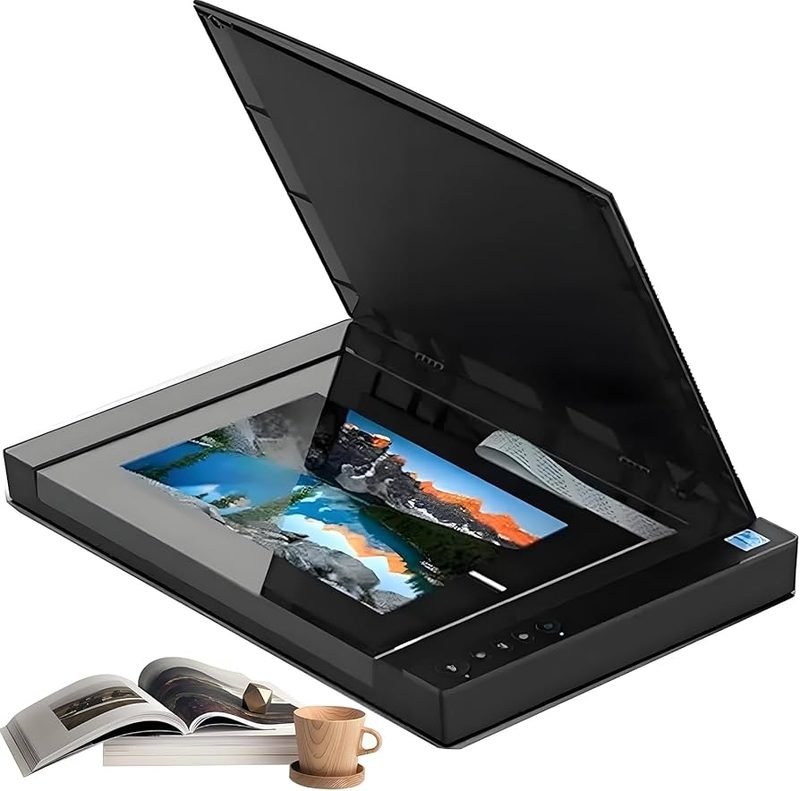
Most all-in-one machines handle printing and scanning through separate software components, which is exactly why one can keep working perfectly while the other quietly stops. If your printer scanner combo has stopped scanning, here's where to look.
The Scan Software Isn't Installed (Or Is Out of Date)
Printing generally uses your operating system's built-in driver, but scanning usually needs its own separate piece of software. If that software was never installed, or hasn't been updated in a while, printing can work fine while scanning does nothing at all when you press the button.
The Connection Type Matters More for Scanning
Some printer and scanner combos are more sensitive to a shaky wifi connection on the scan side than on the print side, since a scan involves sending a much larger amount of data back to your computer than a print job does going out. If scans time out or never arrive, a weak or inconsistent wireless connection is a common cause.

Scans Are Going Somewhere You're Not Looking
A scan that "isn't working" sometimes actually is working — it's just saving to a folder you aren't checking, or emailing to an account you're not logged into. Before assuming there's a connection problem, it's worth confirming exactly where your printer is set up to send scanned files.
When a Restart Actually Helps
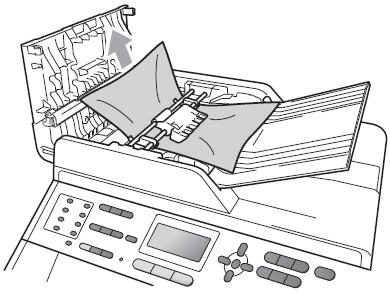
Restarting both the printer and the computer clears out a surprising number of scan issues, since it forces both sides to re-establish their connection to each other and to any scan software involved. It's a simple step, but it's worth trying before anything more complicated.
Setting up scanning from scratch? Our Printer & Scanner Setup guide walks through the full process, including where scanned files end up by default.
Related reading:
This is general guidance only. Summit Edge is not affiliated with, endorsed by, or an authorized support provider for any printer manufacturer.