Why Your WiFi Printer Keeps Disconnecting (And How to Stop It)
It worked fine yesterday. Today your wifi printer shows offline, and nobody in the house or office can figure out why. Here's what's usually going on, explained in plain English.
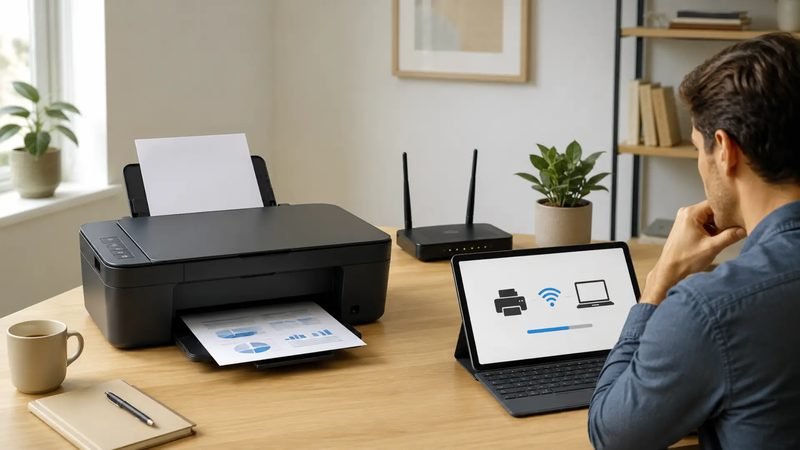
A wireless printer that keeps disconnecting is one of the most common complaints we hear, and the good news is it's rarely a broken printer. Most of the time it's one of a small handful of everyday causes, and once you know what to check, fixing it takes a few minutes, not a service call.
Your Router Changed Something Without Telling You
Routers reboot themselves after firmware updates, internet providers sometimes reassign IP addresses, and a lot of modern routers automatically push devices toward whichever band — 2.4GHz or 5GHz — looks faster at that moment. Any of these can quietly break a connection that was working perfectly the day before. If your printer suddenly can't be found by your computer or phone, a router change is the first thing to suspect.
The 2.4GHz vs 5GHz Trap
Here's a detail that trips up a lot of people: most home and office printers only support the 2.4GHz wifi band, not the newer, faster 5GHz band. If your laptop or phone connects to the 5GHz network by default (which many do automatically), it may simply never see a printer that's sitting on the 2.4GHz side of your network. They're both "your wifi," but as far as the printer is concerned, they're two separate networks.
The Printer Went Into Sleep Mode
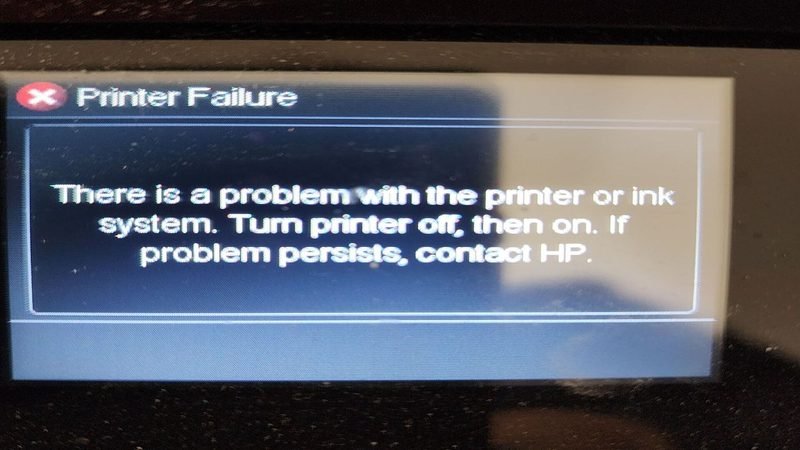
Most wireless printers drop into a low-power sleep state after sitting idle for a while, and some cheaper models are slow to reconnect to wifi when they wake back up. If your printer works fine right after you print something but goes offline after sitting unused for a day, this is very likely the culprit.
How to Actually Fix It
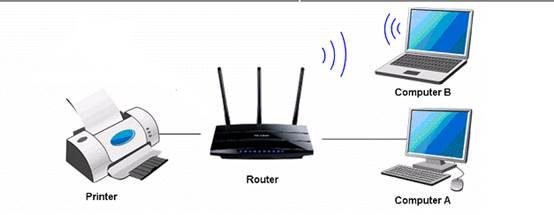
In most cases, removing the printer from your computer or phone's list of devices and adding it again resolves the issue outright, since that forces a fresh handshake with whatever your network is currently doing. If it keeps happening, moving the printer physically closer to the router, or confirming it's connected to the same band as your other devices, usually settles it for good.
Want the full step-by-step version? Our WiFi & Wireless Printer Setup guide walks through connecting a printer from scratch, plus device-specific steps for Windows, Mac, Android, and iPhone.
Related reading:
This is general guidance only. Summit Edge is not affiliated with, endorsed by, or an authorized support provider for any printer manufacturer.