Genuine HP, Canon, Epson & Brother Printers — Shipped Free Across the USA
Every printer we sell is a genuine US-model unit backed by the full manufacturer warranty, with free shipping on orders over $75 and free help getting your new printer connected.
Shop All Printers Shop by Brand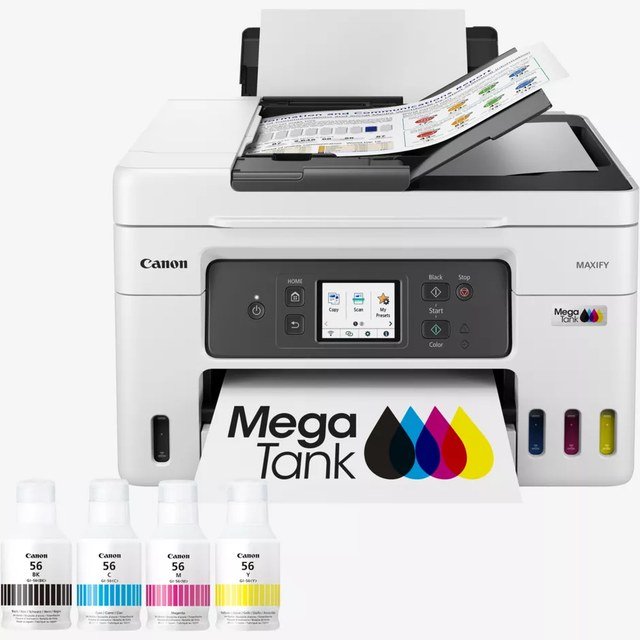
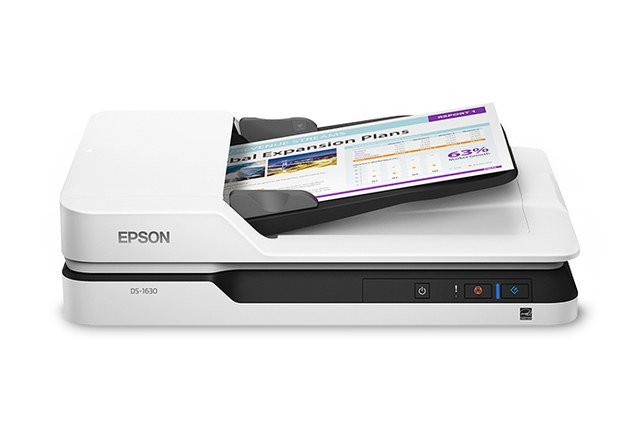
Shop by Brand
Featured Printers
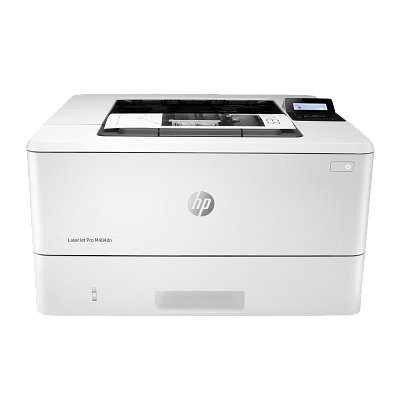
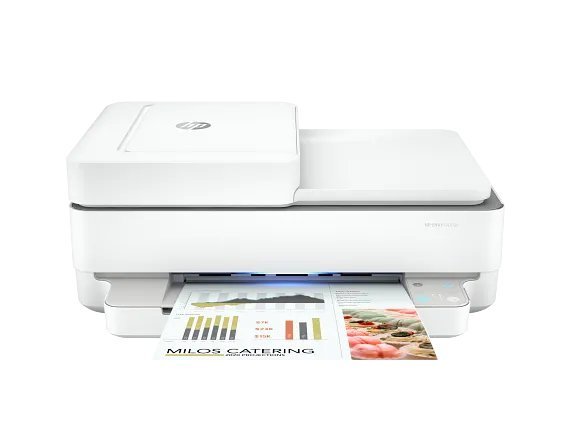
Why Buy From Summit Edge
Fast US Shipping
Orders leave our US warehouse within 1–2 business days, tracked door to door.
Manufacturer Warranty
Every printer carries the full US manufacturer warranty — HP, Canon, Epson, or Brother.
Free Setup Help
Stuck on Wi-Fi setup or drivers? Our team helps you get printing, free with any order.
Printer Setup Help: Add, Connect & Pair Any Printer
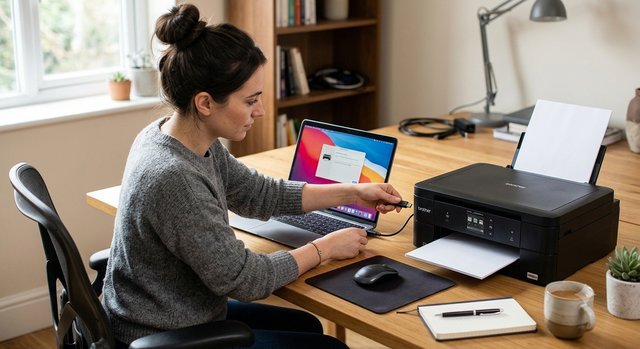
Add a Printer to Any Device
Need to add a printer to Windows, macOS, an iPhone, or an Android phone? Our guides walk you through every step — whether it's a brand-new printer or reconnecting an old one after a computer upgrade.
Read the add-printer guide →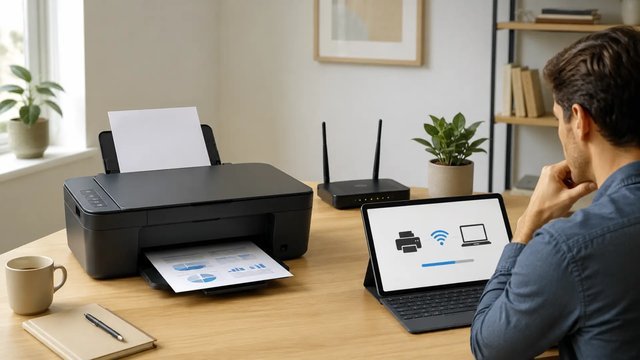
Connect & Pair a Wireless Printer
Connect a wireless printer to your wifi network, then pair it with every laptop, tablet, and phone in the house. We cover app-based setup, WPS pairing, and fixing printers that keep disconnecting.
Wireless printer setup guide →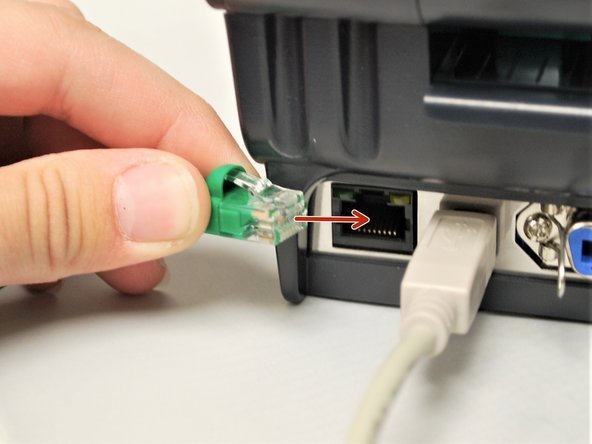
Wired Printer Setup (USB & Ethernet)
Sometimes a wire beats wifi: USB for a single desk, Ethernet for a shared office printer. Our wired setup guides cover drivers, cables, and sharing one printer with a whole team.
Wired & office setup guide →Brand Setup Guides: HP, Canon, Brother & Epson
Every brand connects a little differently. Here's the fastest route to a working printer for each one — or book a setup appointment and we'll do it for you.
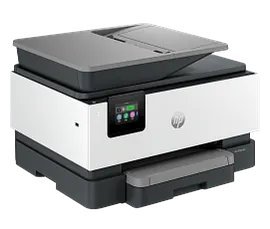
HP Printer Setup — 123.hp.com Setup
Every HP printer setup starts at 123.hp.com/setup: enter your model, download the HP Smart app or drivers, then connect wirelessly or by USB. Our guide walks through the full 123.hp.com setup flow, including wifi connection, HP+ activation, and adding the printer to your phone.
Shop HP printers · Book HP setup help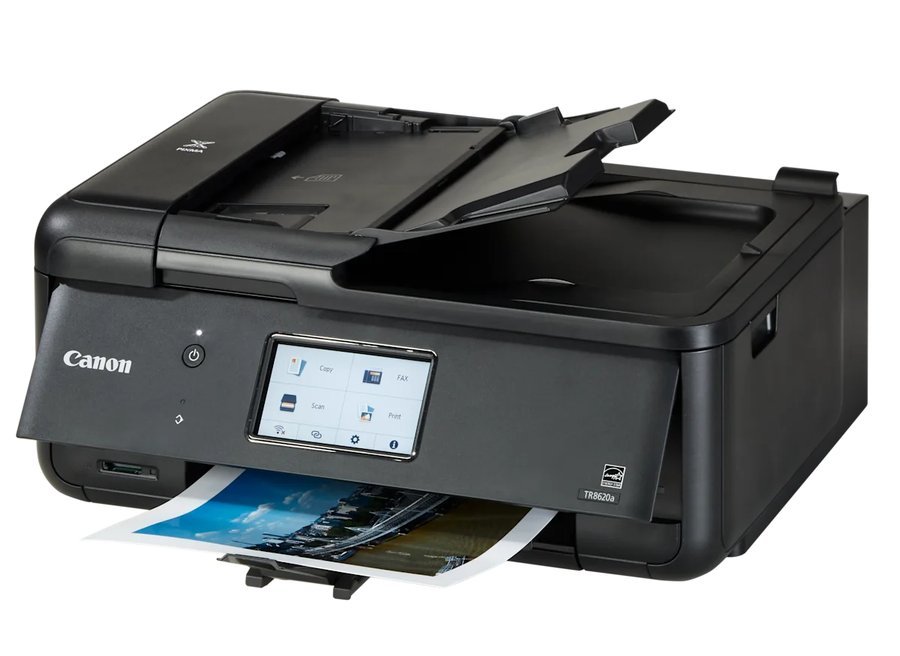
Canon Printer Setup — Wireless & Wired
Canon wireless setup runs through the Canon PRINT app on your phone; wired USB setup uses Canon's quick-install drivers. We cover both routes, plus connecting your Canon printer to a new laptop or phone without starting from scratch.
Shop Canon printers · Book Canon setup help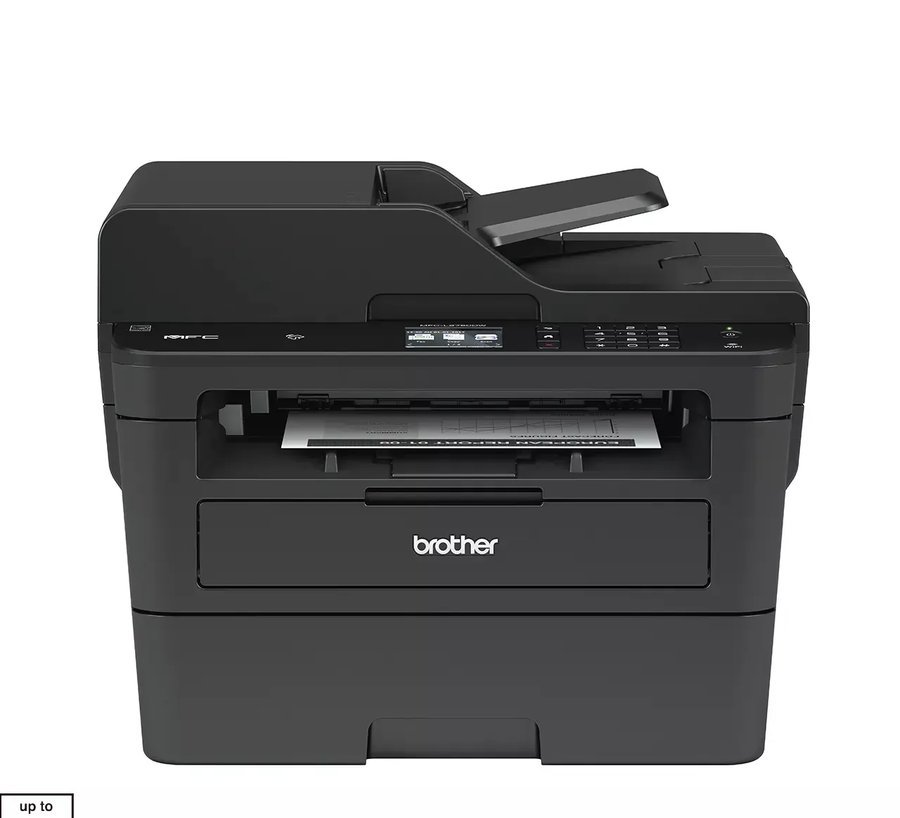
Brother Printer Setup — Wireless & Wired
Brother printer setup is easiest from the control panel: join your wifi in a few taps, or plug in a USB or Ethernet cable for a wired connection. Our guides cover Brother wireless setup, driver installation, and printing from mobile devices.
Shop Brother printers · Book Brother setup help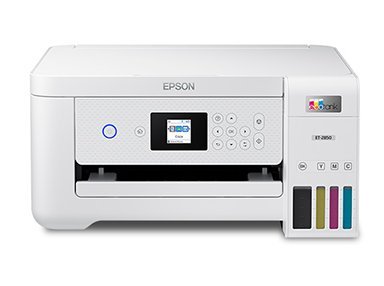
Epson Printer Setup — Wireless & Wired
Epson printer setup starts with the Epson Smart Panel app: fill the ink, connect to wifi, and print a test page in minutes. We also cover wired USB and Ethernet setup for EcoTank, WorkForce, and Expression models.
Shop Epson printers · Book Epson setup help