Choosing a Printer for Your Office: A Practical Buying Guide
Page volume, duty cycles, the features that actually matter, and the mistakes that turn an office printer into an office headache.
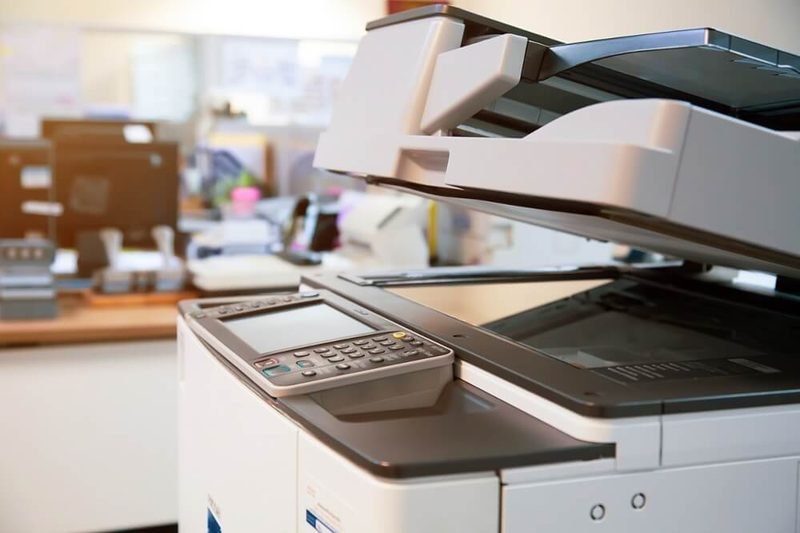
An office printer is a shared piece of infrastructure, not a personal gadget — and buying one like a home printer is the most common (and expensive) mistake small businesses make. Here's what actually matters when you're choosing a printer that five, ten, or thirty people will depend on every day.
Start With Your Monthly Page Volume
Before comparing models, estimate how much the office actually prints. Under 500 pages a month? A solid inkjet all-in-one will serve you well. Over 1,000 pages? You're in laser territory, where cost per page drops sharply and duty cycles are built for the load. Over 5,000 pages? Look at higher-volume machines with big paper cassettes and high-yield toner options.
What "Duty Cycle" Really Tells You
Manufacturers publish a monthly duty cycle — the maximum the machine can technically handle. Ignore it, or rather, plan around 10–20% of it. A printer rated for 50,000 pages a month is comfortable at 5,000–10,000. Running a machine at its rated maximum is how offices end up with constant paper jams and worn fusers.
The Features Offices Actually Need
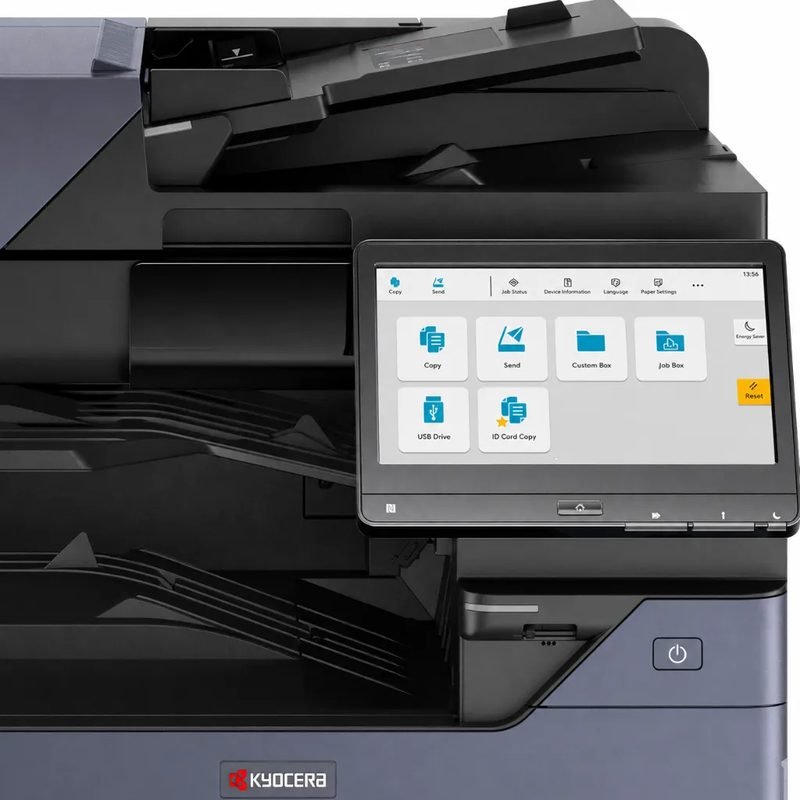
Three features pay for themselves in an office setting: automatic duplex (two-sided printing halves paper costs), an automatic document feeder for scanning multi-page contracts, and wired Ethernet — wifi is convenient, but a shared office printer should sit on the wired network for reliability. For heavier use, a model like the Brother MFC-L2750DW XL adds a 50-page ADF and a 36-ppm engine, while the Epson WorkForce Pro WF-4830 offers a 500-sheet capacity with low running costs.
One Printer or Several?
A single shared printer in the copy room is cheaper to buy and supply, but creates a bottleneck and a single point of failure. A common sweet spot for small offices: one solid shared workhorse, plus an inexpensive laser at the far end of the office so two people never queue behind one print job. Our office printer sharing guide covers the network side.
Don't Forget Security and Management
Business printers store documents on internal memory and sit on your network. Modern business models offer admin passwords, network access controls, and print release features. At minimum, change the default admin password the day the printer arrives — it takes two minutes and closes the most common hole.
The Bottom Line
Match the machine to your real monthly volume, insist on duplex and an ADF, and put it on Ethernet. Do that and your office printer will be the appliance nobody ever thinks about — which is exactly the point.
Keep Reading
This is general guidance only. Summit Edge is not affiliated with, endorsed by, or an authorized support provider for any printer manufacturer.