Laser Printer Buying Guide: When Toner Beats Ink
How laser printers work, how they really compare to inkjets on running costs, and how to decide whether a monochrome or color laser is right for you.
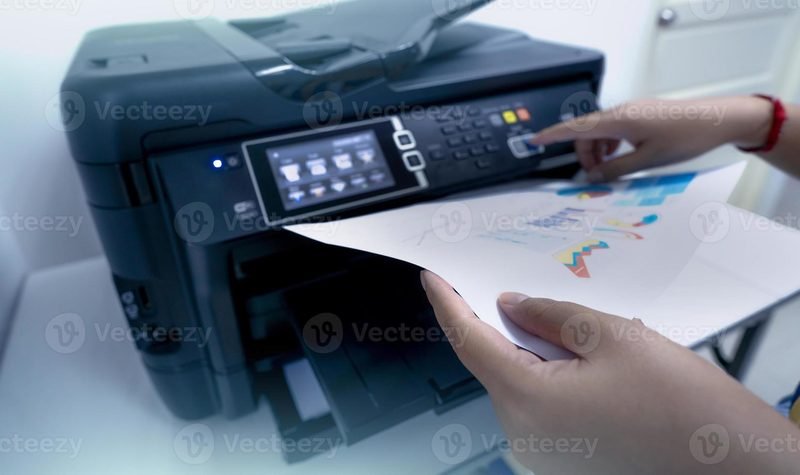
Walk into any office and the printer humming away in the corner is almost certainly a laser printer. There's a reason for that: for text-heavy printing, nothing matches a laser for speed, sharpness, and cost per page. But laser isn't right for everyone. Here's how to decide whether toner or ink is the right technology for you.
How a Laser Printer Actually Works
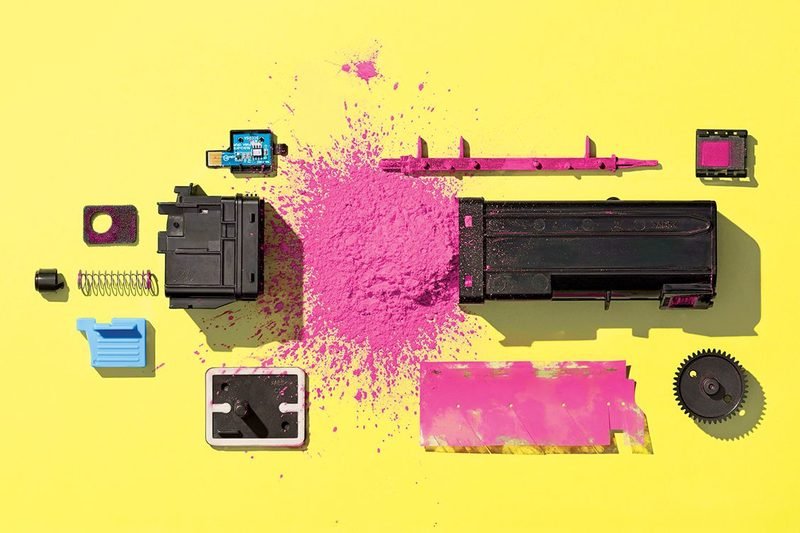
A laser printer uses a laser beam to draw your page onto a rotating drum, which attracts powdered toner in the exact pattern of your text and images. The toner is then fused onto the paper with heat. There's no liquid ink to dry out, no print heads to clog, and no waiting — the first page is out in seconds and the rest follow rapidly.
Laser vs Inkjet: The Real Differences
The biggest practical difference is cost per page. A standard toner cartridge for a machine like the HP LaserJet Pro M404dn prints thousands of pages, working out to a few cents each — often a tenth of what inkjet printing costs. Laser printers also sit happily unused for weeks and print perfectly the moment you need them, because toner is a dry powder that can't dry out. Inkjet print heads, by contrast, can clog if the printer sits idle.
Where inkjets win is color photos and purchase price. If you regularly print vibrant photos, an inkjet — especially an ink tank model like an EcoTank or MegaTank — is usually the better choice. For everything else, laser usually wins.
Who Should Buy a Laser Printer
Laser printers are the natural fit for home offices, students printing essays, and any business that prints mostly documents. If you print more than a few hundred pages a month, a laser will pay for itself in toner savings within a year. Models like the Brother HL-L2350DW (a long-time favorite monochrome laser) and the Canon imageCLASS LBP236dw deliver 32–40 pages per minute with automatic two-sided printing.
Monochrome or Color?
Monochrome (black-only) lasers are dramatically cheaper to buy and run — most office printing is text anyway. Choose a color laser only if you genuinely print color documents every week; otherwise you're paying for four toner cartridges when one would do. If you need print, scan, copy, and fax in one machine, an all-in-one like the Brother MFC-L2750DW XL covers the full office workflow.
The Bottom Line
If your printing is mostly documents, a laser printer is almost always the smart buy: faster, cheaper per page, and immune to the dried-ink problems that plague occasional inkjet users. Browse our full printer range to compare current laser models.
Keep Reading
This is general guidance only. Summit Edge is not affiliated with, endorsed by, or an authorized support provider for any printer manufacturer.