How to Choose a Home Printer (Without Overthinking It)
Four decisions that matter — inkjet or laser, real ink costs, all-in-one or not, and connectivity — plus quick picks for every kind of household.
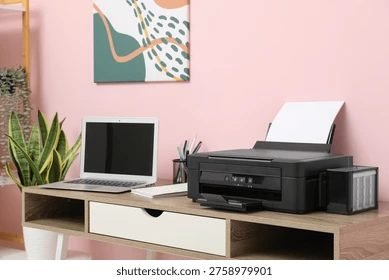
A home printer has to be everything at once: cheap to buy, cheap to run, easy to set up, and good at both documents and the occasional photo. No single machine is best at all of those, so the trick is deciding which two or three matter most to your household. Here's the shortest path to the right decision.
Step 1: Inkjet or Laser?
If you print photos, school projects in color, or only print a few pages at a time, get an inkjet. If you print mostly text — forms, essays, shipping labels — a monochrome laser will save you real money within a year, and it will never punish you with dried-out cartridges after a month of not printing. We break down the full comparison in our laser buying guide.
Step 2: Count the Real Cost (Ink!)
The sticker price is the smallest part of the equation. A $100 printer with $40 cartridges is expensive; a $250 printer that includes two years of ink is cheap. If your household prints more than a couple hundred pages a month, seriously consider an ink tank model like the Epson EcoTank ET-2850 or Canon PIXMA G6020 — the upfront cost is higher, but bottle refills cost pennies per page.
Step 3: All-in-One or Print-Only?
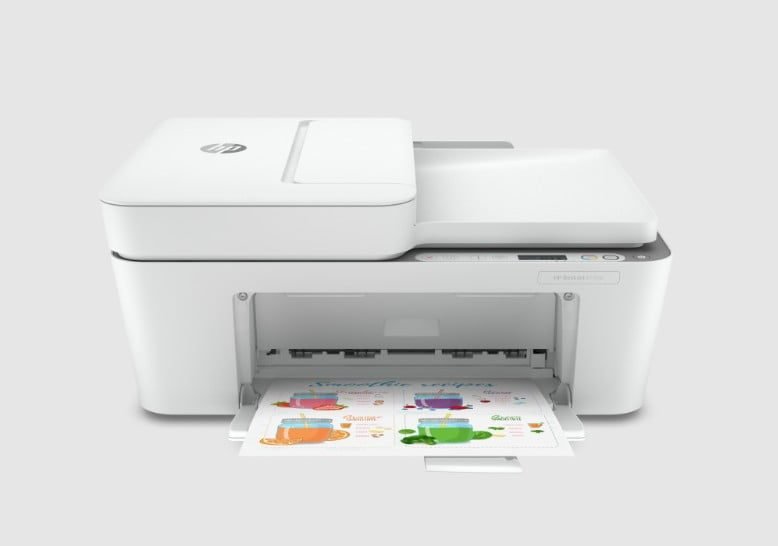
For most homes, all-in-one is the answer. Scanning is the feature people don't know they need until the first time they have to email a signed form, copy a permission slip, or back up old photos. A model like the Canon PIXMA TR8620a covers print, scan, copy, and fax in one compact unit.
Step 4: Check the Connectivity Boxes
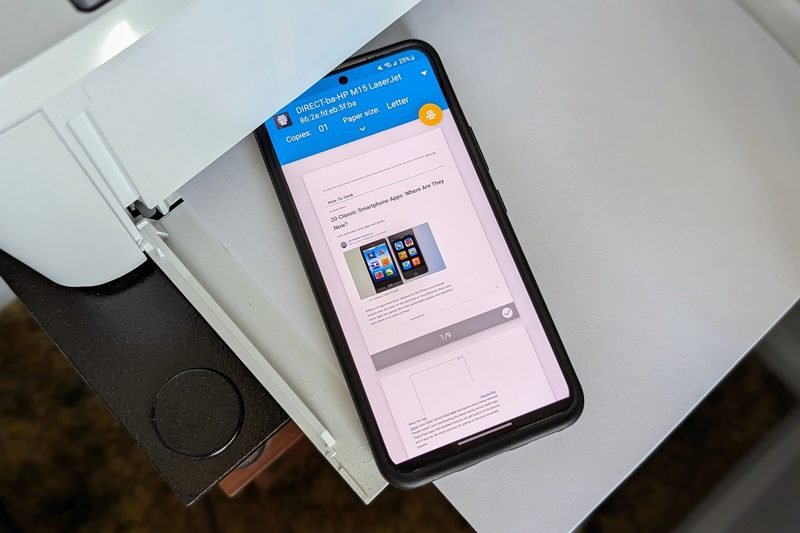
Every modern home printer should have wifi and a companion phone app — that's table stakes. Two things people miss: the printer needs 2.4GHz wifi (most only support that band), and automatic two-sided printing is worth having the moment your kid gets a multi-page assignment.
Our Quick Recommendations
Tight budget and light use: the Epson Expression XP-5200 or HP ENVY 6455e. Heavy household printing: an EcoTank or MegaTank. Documents only: a compact monochrome laser. And whichever you pick, we'll set it up for free when you buy from our store.
Keep Reading
This is general guidance only. Summit Edge is not affiliated with, endorsed by, or an authorized support provider for any printer manufacturer.