Printer Maintenance: What to Do Every Few Months
Printers rarely die — they are slowly murdered by dust, dried ink, and worn rollers. Fifteen minutes a few times a year doubles their useful life.
Every month (inkjets): print something
The single best maintenance step for an inkjet: print one page a week. Dried ink in nozzles is the #1 killer of home printers, and it is entirely preventable. A nozzle check page doubles as your health check.
Every 3 months: clean the outside and paper path
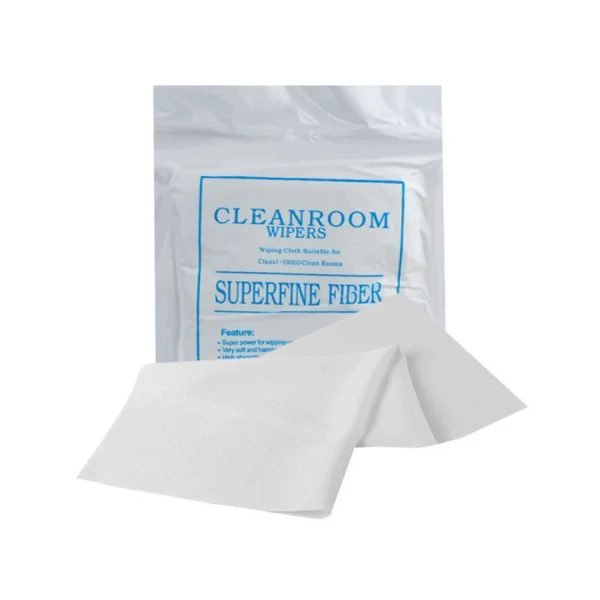
Power off, unplug, then wipe the exterior with a barely-damp lint-free cloth. Open all access doors and gently wipe dust off visible rollers and the paper path. Blow out loose dust with canned air held upright — never a household vacuum (static).
Every 3 months: roller care
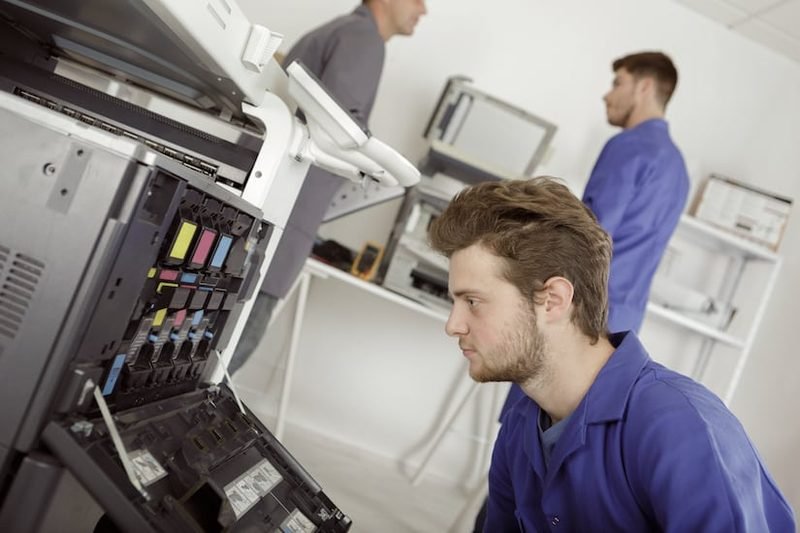
Pickup rollers lose grip as they glaze over. Wipe them with a lint-free cloth slightly dampened with distilled water, rotating each roller by hand. If jams increase after cleaning, the rollers are worn smooth — replacement rollers are cheap for technicians, and this is exactly the kind of thing our repair service handles.
Inkjets: printhead health
Run a nozzle check monthly; clean only when the test shows gaps — unnecessary cleaning cycles burn ink and eventually wear the head. If two cleanings in a row do not restore a color, let the printer rest overnight and try again; permanent banding after that means the head or damper needs service.
Lasers: toner area and fuser
Never touch the green drum surface on toner units — fingerprints become permanent print defects. Keep toner away from heat. If prints smear and wipe off the page, the fuser is failing; that is a technician repair.
Yearly: firmware and deep check
Update firmware from the manufacturer app — updates fix connectivity bugs on wifi models. And once a year, print a test page and compare it to a fresh printer output: gradual quality fade tells you what to budget for next.
Keep Reading
This is general guidance only. Summit Edge is not affiliated with, endorsed by, or an authorized support provider for any printer manufacturer.