How to Download and Install Printer Drivers
The right driver from the right source takes five minutes. The wrong source — the ads above the real result — installs adware. Here is the safe path.
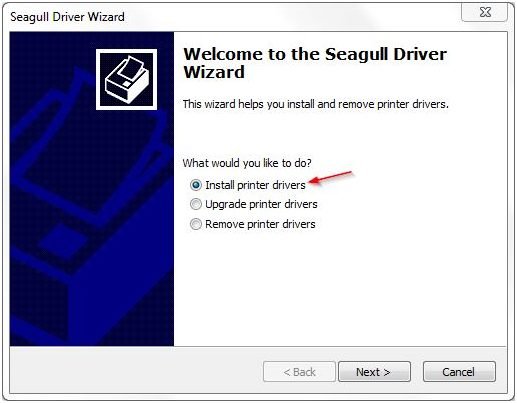
Official download sources only
HP: 123.hp.com — enter your model, get the HP Smart / Easy Start installer. Canon: canon.com/support → Drivers & Downloads. Epson: epson.com/support. Brother: support.brother.com. Every one of these is free. If a site asks for payment or runs a "driver scanner," close the tab — that is the adware pattern.
Full package vs basic driver
The full package includes the maintenance toolbox (head cleaning, alignment, ink levels) — get it for inkjets you will maintain yourself. The basic driver just prints. On Windows, the built-in OS driver (added automatically when the printer appears) is fine for simple document printing but lacks maintenance tools.
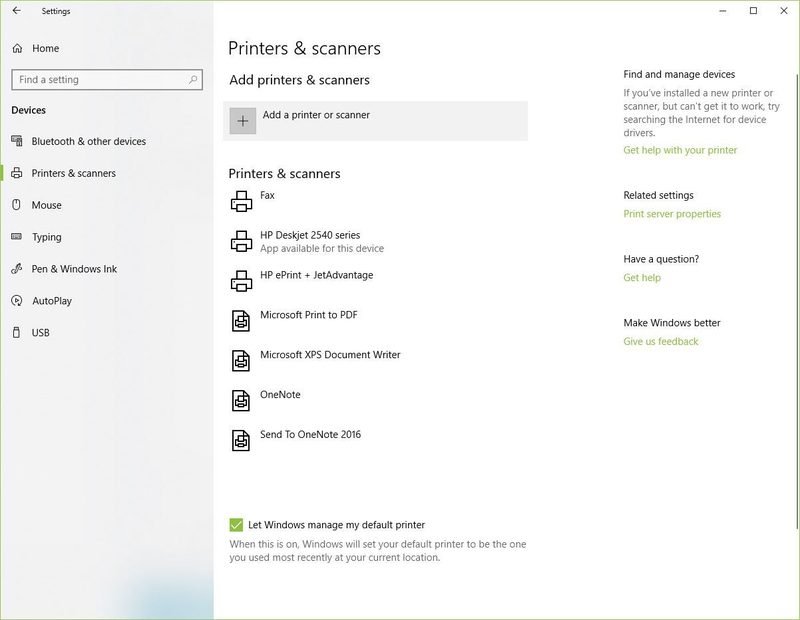
Windows: install and add
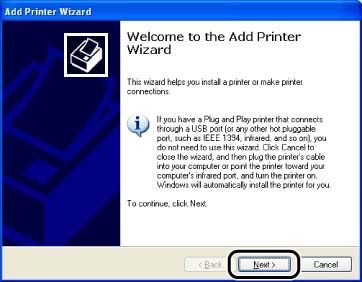
Run the downloaded installer with the printer powered on but NOT connected by USB until prompted — installers detect USB printers better when they initiate the connection. For network printers, the installer discovers the printer on your wifi automatically.
Mac: it is simpler
macOS ships with drivers for most printers: System Settings → Printers & Scanners → Add. For full features (scan buttons, ink levels), install the manufacturer Mac package from the same official pages.
When drivers are the problem
Corrupt drivers cause offline loops, stuck queues, and half-installed printers that resist deletion. The clean fix: uninstall the printer from Windows, reboot, and reinstall fresh — not over the old one. Our not-printing checklist puts drivers at check 7 for a reason.
Keep them updated
Check for driver updates if a Windows update breaks printing — it happens a few times a year. Otherwise, if printing works, leave it alone.
Keep Reading
This is general guidance only. Summit Edge is not affiliated with, endorsed by, or an authorized support provider for any printer manufacturer.