Where Is the WPS PIN on My HP Printer?
The WPS PIN is the fastest way to connect an HP printer to wifi — if you can find it. Here is exactly where it lives on every HP printer type, screen or no screen.
What the WPS PIN actually is
During wifi setup, some HP printers generate an 8-digit WPS PIN instead of asking for your wifi password. You enter that PIN into your router admin page (or a pairing window), and the router and printer connect directly. It is an alternative to the push-button WPS method — not the same thing, and confusing the two is the #1 reason people cannot find "the PIN on the router."
Printers WITH a touchscreen
On touchscreen models (OfficeJet Pro, ENVY, LaserJet Pro MFPs): from the home screen, open the Setup or Network menu → Wireless Setup Wizard. When the wizard starts, the WPS PIN appears on the display. Write it down — it is only valid for about two minutes.
Printers WITHOUT a screen (DeskJet, ENVY base models)
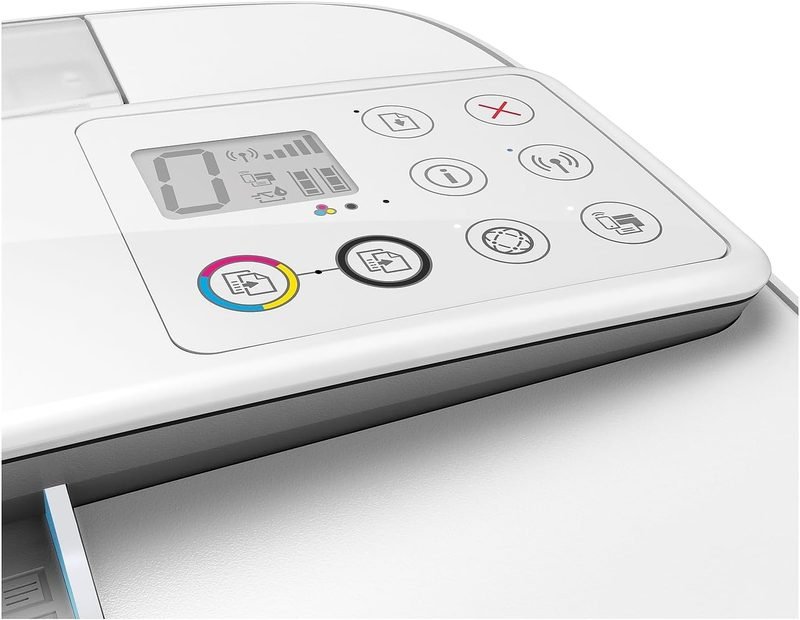
On button-only models like the DeskJet 2700/2800 series: press and hold the Wireless button and the Information button at the same time for a few seconds. The printer prints a network configuration page — the WPS PIN is printed on it, clearly labeled.
Where to enter the PIN
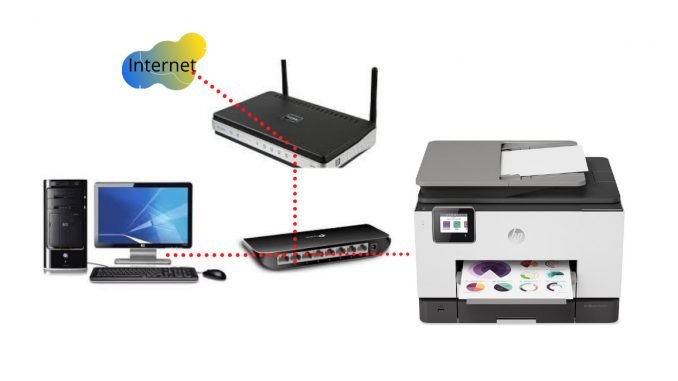
Within two minutes, on a computer connected to your network: open your router admin page (usually 192.168.1.1 or 192.168.0.1, check the sticker on the router), find the WPS section, choose "PIN method," and enter the 8 digits. The router connects the printer to your wifi; the flashing wireless light on the printer turns solid.
The push-button alternative
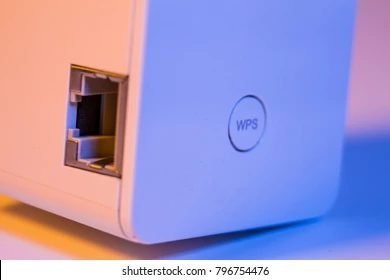
If your router has a physical WPS button (usually on the back), skip the PIN entirely: on the printer, start Wireless Setup Wizard and choose "Push Button" — or press and hold the printer Wireless button — then press the router WPS button within two minutes. Done.
If pairing keeps failing
Check the band first: most HP printers need 2.4GHz, and dual-band routers with one network name cause half of all WPS failures. If the PIN expires, generate a fresh one and enter it faster. Still stuck? The HP Smart app method skips WPS entirely and is more reliable on modern routers.
After it connects
Install the printer on your computers via 123.hp.com or the HP Smart app, and on phones through the same app. Full walkthrough: our HP setup guides.
Keep Reading
This is general guidance only. Summit Edge is not affiliated with, endorsed by, or an authorized support provider for any printer manufacturer.