How to Find Your Printer IP Address
You need the printer IP to fix offline problems, open its settings page, or set a manual IP. Here are every method, fastest first.
Why you need the IP address
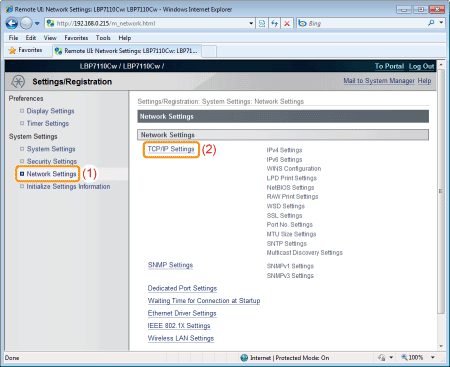
The IP address is your printer phone number on the network. You need it to open the printer built-in settings page (the "embedded web server"), to add the printer manually on a computer, or to stop its address from changing — the root cause of many "printer keeps going offline" problems.
Method 1: The printer control panel
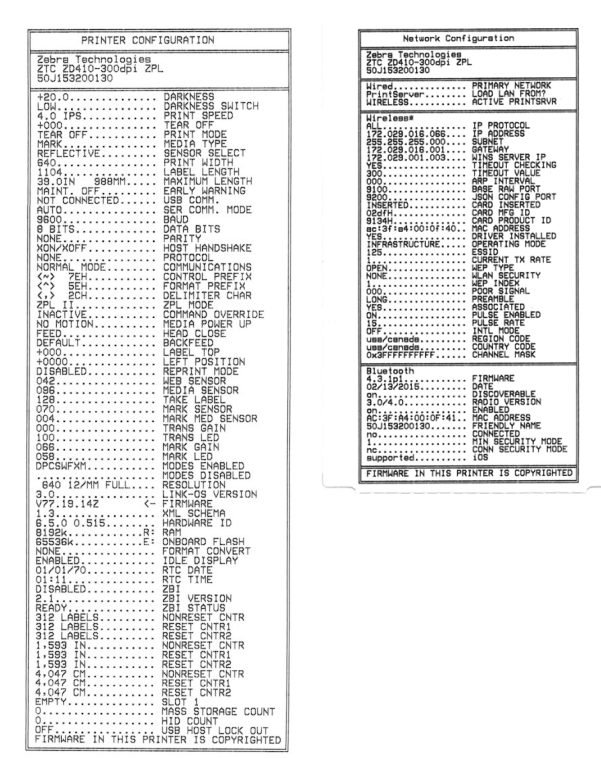
On printers with a screen: open Setup or Settings → Network → Wi-Fi Status (or Network Settings). The IP appears on the display. On screen-less models, press and hold the Wireless or Information button to print a network configuration page — the IP is listed under IPv4.
Method 2: From your computer
Windows: Settings → Bluetooth & devices → Printers & scanners → your printer → Printer properties → Ports tab — the IP is in the "Port" column. Mac: System Settings → Printers & Scanners → your printer → Options & Supplies → Show printer webpage.
Method 3: Your router device list
Log in to your router admin page (usually 192.168.1.1 or 192.168.0.1) and open the connected-devices list. Every printer shows up by name and IP. This is the best method when the printer display is dead.
Bonus: give it a fixed IP
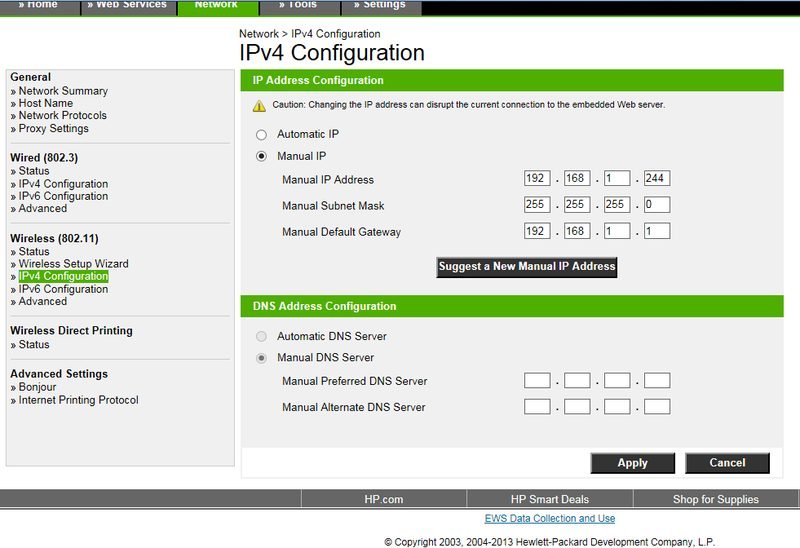
If your printer address keeps changing, open the embedded web server by typing its IP into a browser, go to Network → IPv4, switch from Automatic to Manual, and assign an address near the top of your range (e.g., .240). Now the "offline" errors caused by IP changes stop permanently. Pair this with our printer offline fixes.
Keep Reading
This is general guidance only. Summit Edge is not affiliated with, endorsed by, or an authorized support provider for any printer manufacturer.